


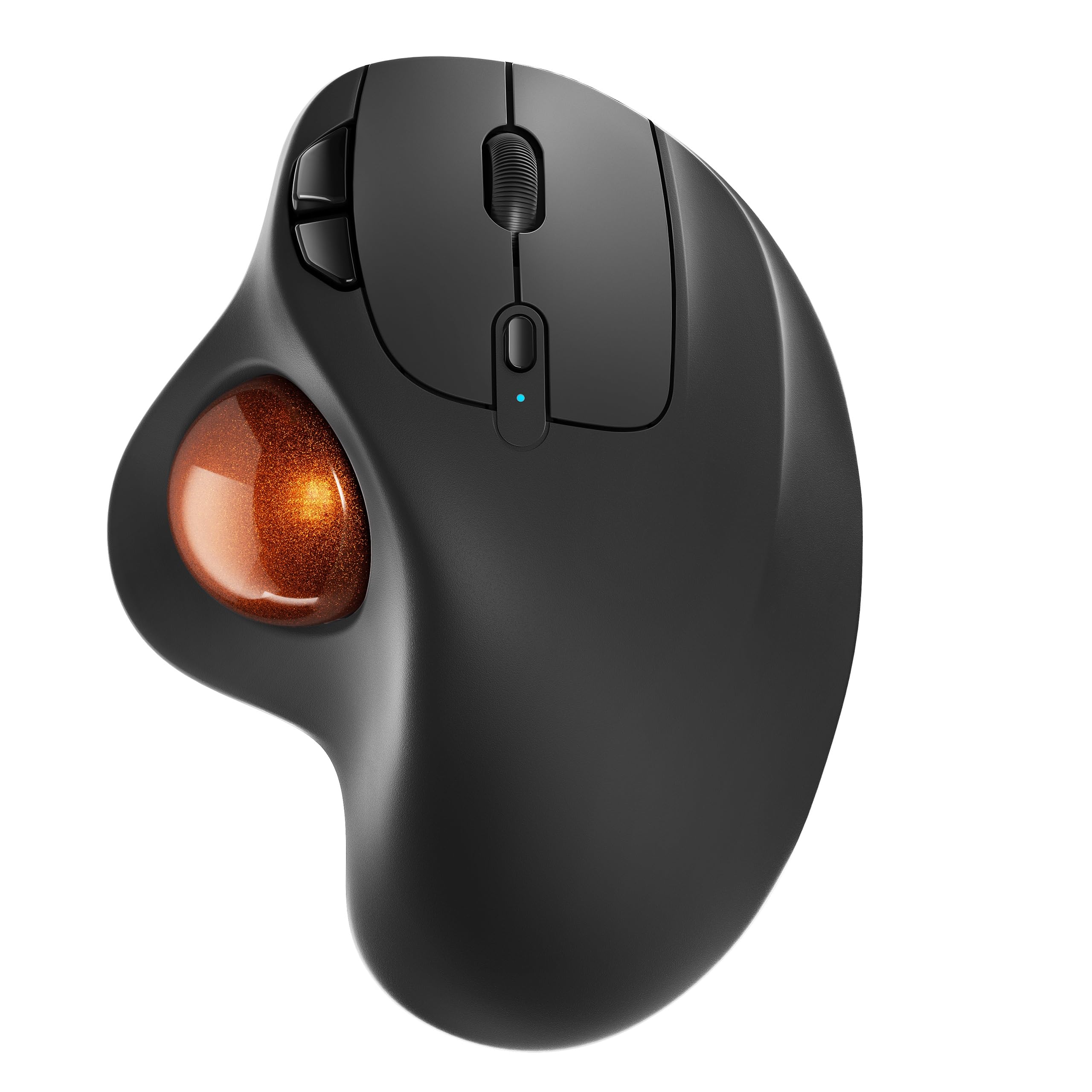


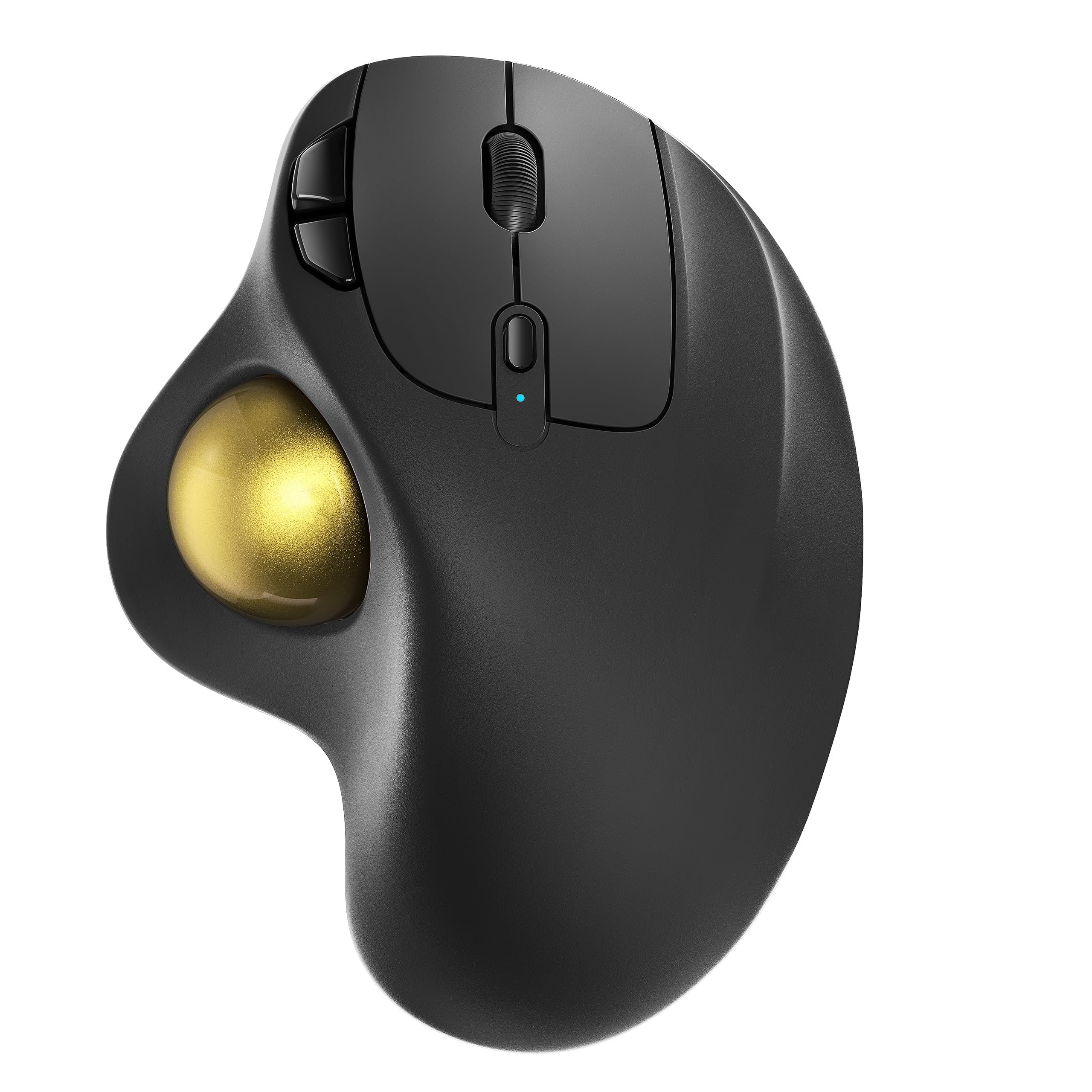
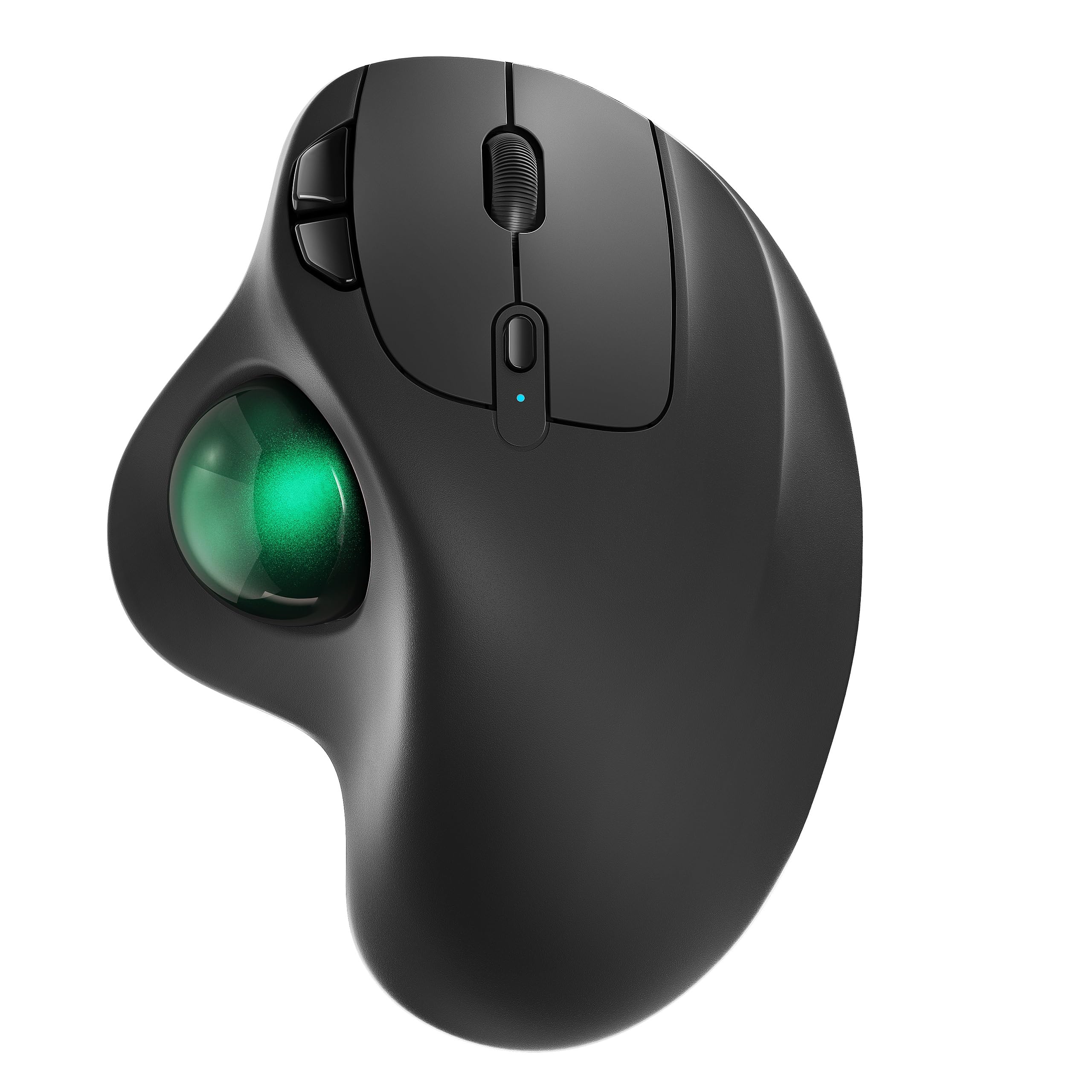
Nulea M501 Wireless Trackball Mouse Ergonomic Thumb Control,4 DPI Levels
10 sold in last 24 hours
- Ergonomic Design with Smooth Thumb Control: Move your cursor by the smooth trackball instead of moving your wrist and arm. Let the easy and smooth thumb control help you reduce your muscle stress. The optimal angle of the trackball mouse allows you to keep your palm in a natural position for all-day comfort.
- Precise Tracking with Adjustable DPI: Nulea trackball mouse provides precise cursor movement for exceptional accuracy and control. With the smooth trackball, you can be more productive on the move on almost any surface, any workplace. Especially on the narrow space, such as the messy desktop, couch, bed, small writing board on a chair, etc.
- True Wireless Freedom: Connect up to 3 devices by either bluetooth or USB dongle. Switch easily between them by the button on the bottom to improve your efficiency. KINDLY REMINDER: The 2.4G USB receiver is stored at the bottom of the wireless trackball mouse.
- Rechargeable Battery: (For your best experience, please fully charge the bluetooth trackball mouse before your first use) The built-in rechargeable battery has a long battery life enables you to say goodbye to dry cell batteries. Please Note: 1. Please use our included charging cable to charge the wireless trackball mouse 2. Do not use a fast charger to charge the trackball mouse. (Directly use the computer USB port or a 5V charger to charge the bluetooth trackball mouse).
- 6 Button High Performance: Nulea trackball mouse bluetooth is designed with thoughtful ergonomic details and an elegant curved shape. Plus the back and forward button, you can operate easily with higher productivity as well as added comfort. Note: All buttons on this wireless trackball mouse are not programmable!
Tags |
Estimated shipping
Select a product to estimate shipping.How to charge the thumb mouse and know its charging state?
1. Use the included charging cable, a charger that outputs 5V or a computer's USB port to charge. (Do not charge with a fast charger)
2. The charging indicator light under the DPI button turns blue when charging, and turns off when fully charged.
How to wake up the trackball mouse?
1.In wireless connection mode, the M501 mouse enters sleep mode 30 minutes after you last used the mouse.
2.If you need to use the mouse, you can wake it up by clicking the key.(scrolling the trackball or moving the mouse will not wake up the mouse)
How to reprogram mouse buttons?
1. All buttons on this wireless trackball mouse are not programmable!
2. Forward and Backward buttons are not compatible with MAC OS.
How to adjust the DPI of this trackball mouse wireless?
The track ball mouse has 4 DPI settings, 400 (Default)-800-1200-1600, which can be easily switched by clicking the DPI button below the scroll wheel.
Where is the 2.4G USB Receiver for wireless connection?
The 2.4G USB Receiver is stored at the bottom of the wireless trackball mouse.
Product details


| Main Specification | |
|---|---|
| Kompatybilne urządzenia | Laptop or iPad or PC or Okna or Mac |
| Cecha specjalna | Naprawa or Bezprzewodowy or Bluetooth or Ergonomiczny projekt |
| Wytwórca | Nulea |
| Liczba jednostek | 1 Liczba |
| Liczba baterii | 1 Litowo-jonowe baterie wymagane. |
| Orientacja dłoni | Racja. |
| Marka | Nulea |
| Technologia połączeń | Bluetooth |
| Zakres | 10.0 meters |
| Nazwa modelu | M501 |
| Źródło energii | Bateria zasilana |
| Kolor | A-Red |
| Pozycja Waga | 4.51 ounces |
| Product information | |
| System operacyjny | Okna or MacOS |
| Item details | |
| Numer modelu | M501 |
| Style | |
| Nazwa stylu | Nowoczesne |
| Features & Specs | |
| Dodatkowe funkcje | Rechargeable or Bluetooth or Ergonomiczny projekt or bezprzewodowy |
| Others | |
| Platforma sprzętowa | PC or Laptop |
| Typ produktu | Trackballs |
| Materiał zamknięcia | Plastic Or Metal Alloy |
| Numer części Mfr | M501 |
| Lokalizacja anteny | Wewnętrzne / zewnętrzne |
| Cecha uzdatniania | LED |
| Pozycja Wymiary L x W | 5.51"L x 4.37"W |
| Ilość przycisków | 6 |
| Wykrywanie ruchu | Trackball |
| Technologia wykrywania ruchu | Trackball |